Less Waiting. More Moving.
PPC‑Para! is your smart companion for multicab commuting in Puerto Princesa – helping you see nearby rides and move on your own time.
- See nearby multicabs on a map
- Check seat availability at a glance
- Built for Puerto Princesa commuters
About
This page is about PPC‑Para! – a smart companion for multicab commuting in Puerto Princesa. You get a sample “game board” view of multicabs so you can quickly see where rides might be and how many seats are left.
Note: Multicabs typically run during the day. At night there are usually no cabs available.
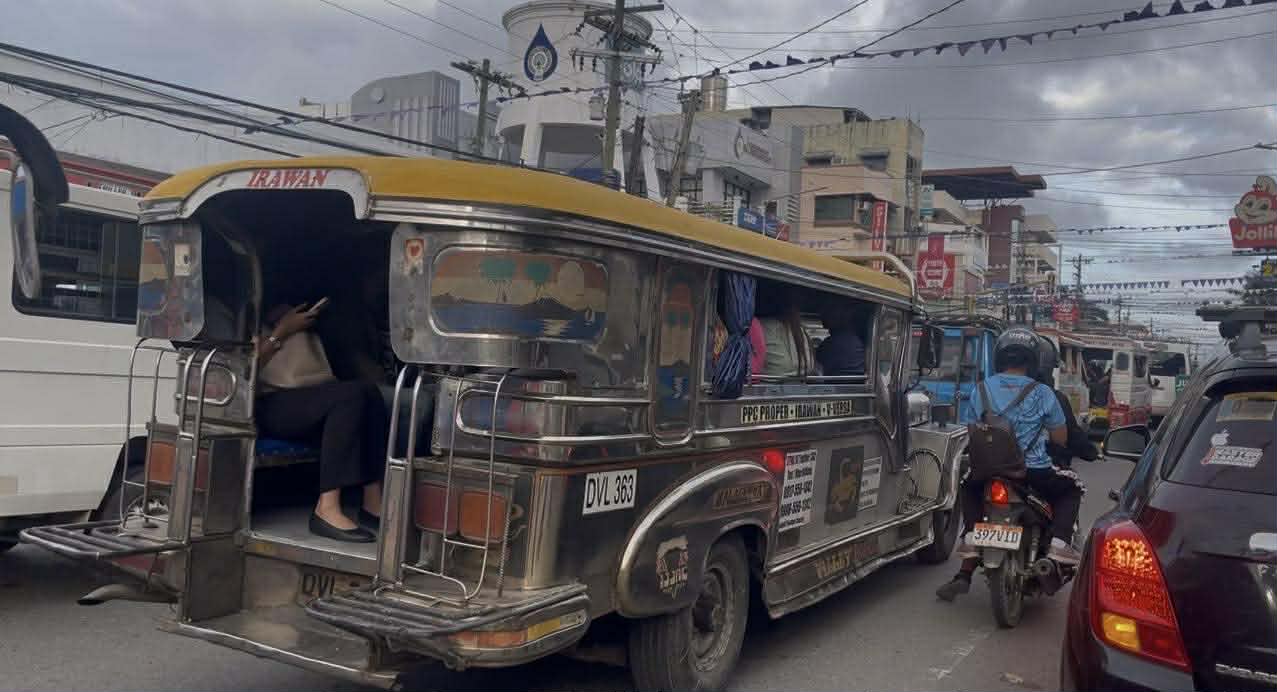

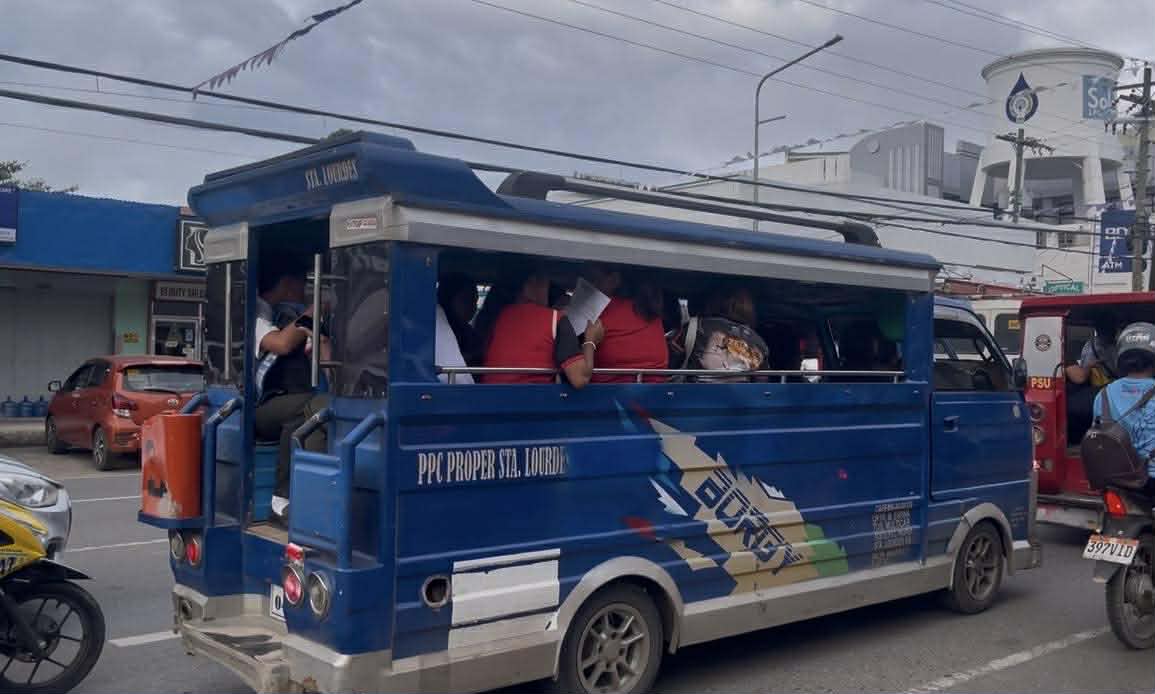
Tired of the long wait?
PPC‑Para! is a smart, efficient way to help commuters track rides and travel with less stress. No more guessing if there’s a multicab nearby – you get a clear picture in seconds.
Commuting made easier
PPC‑Para! turns your daily travel into a more predictable journey. Instead of standing under the sun wondering when the next ride will come, you can glance at the map and make faster decisions.
Why PPC‑Para?
In a busy city where time is precious and traffic is unpredictable, PPC‑Para! keeps you moving and more in control of your day. It’s built with Puerto Princesa commuters in mind and the web app can also notify you when there are no multicabs available especially at night.
More than just a map
It’s not simply about seeing icons on a map. PPC‑Para! is designed as a community tool to help make urban mobility more organized, reliable, and convenient for every Palawenyo.
How to Use the Web App
In a few taps, you can see nearby multicabs, seat availability, and basic trip info.
-
1
Open the live map. Allow location access so the view can center near you.
-
2
Read the colors. Green, yellow, and red show how many seats are left on each multicab.
-
3
Tap a cab icon. See the route label, sample capacity, and direction of travel.
-
4
Check the helper panels. Use the legend and “How this screen works” panel inside the app.
Best experience
PPC‑Para! is designed mobile‑first. For the smoothest experience, open the web app on your phone and add it to your home screen so it feels like a native transport app.